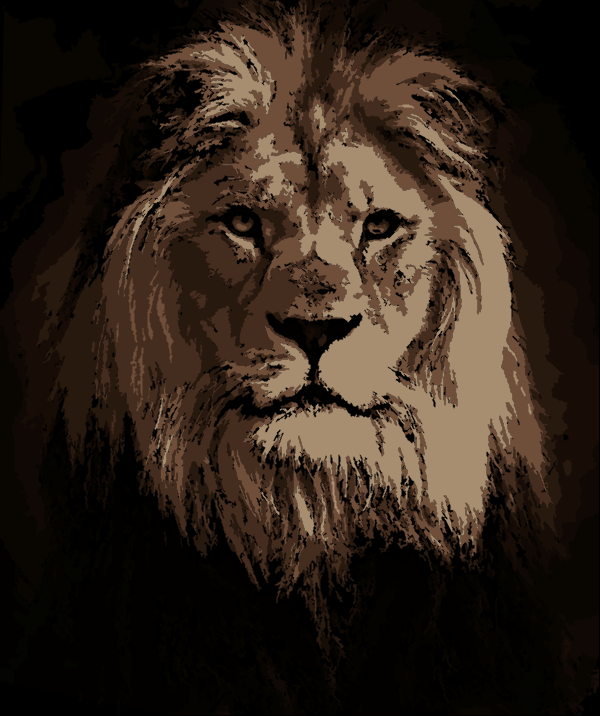
Welcome to Kevs SVG Graphics, a growing library of high-quality scalable vector graphics (SVGs) designed for modern web projects. This website provides free SVG assets alongside clear, beginner-friendly guides that explain how to use, customize, and optimize SVG files for websites, applications, and digital products.
SVG graphics are resolution-independent, lightweight, and ideal for responsive design. Whether you are a front-end developer, UI/UX designer, student, or content creator, this platform helps you understand how SVGs work and how to apply them correctly in real-world projects.
What Are SVG Graphics?
SVG (Scalable Vector Graphics) is an XML-based image format used to create crisp visuals that scale without losing quality. Unlike PNG or JPG images, SVG files remain sharp on all screen sizes, making them ideal for logos, icons, illustrations, and interactive graphics.
On this site, every SVG graphic is created with clean structure, optimized paths, and web-safe styling, ensuring fast loading and easy customization.
Free SVG Assets You Can Use
All SVG graphics available on Kevs SVG Graphics are lightweight, performance-friendly, and easy to modify. They are suitable for websites, mobile apps, learning projects, and design experiments.
Each SVG is accompanied by a short explanation describing what it represents, recommended use cases, and basic customization tips. This ensures users gain practical understanding instead of just downloading files.
How to Use SVG Graphics on Your Website
SVG graphics can be used in several ways depending on your project needs. Inline SVG allows direct styling and animation with CSS and JavaScript,SVG files loaded through the image tag are useful for simple icons and illustrations.
SVGs can also be applied as CSS background images for decorative elements. Tutorials on this site explain these methods step-by-step and help avoid common mistakes such as missing viewBox attributes or poor accessibility practices.
Why Choose SVG Over PNG or JPG?
SVG graphics provide several advantages over traditional image formats. They do not lose quality at high resolutions, typically have smaller file sizes for icons, and allow easy customization of colors, shapes, and animations.
Proper use of SVG improves page speed, enhances visual clarity, and delivers a better experience across desktops, tablets, and mobile devices.
How To Draw Different Shapes With Svg Elements
SVG provides ways for drawing paths,rectangles,circles,polygons,text,polylines,ellipse, and lines.
<rect> Element creates a rectangle.some of the basic attributes for this element are:
- width→Represents the width of the rectangle.
- height→Represents the height of the rectangle.
- x→Represents the x coordinate position for the top left corner of the rectangle.
- y→Represents the y coordinate position for the top left corner of the rectangle.
<circle>Element creates a circle.some of the basic attributes for this element are:
- r→Represents the radius of the circle.
- cx→Represents the x axis center of the circle.
- cy→Represents the y axis center of the circle.
<ellipse>Element creates an ellipse.an ellipse is closely related to a circle the difference is that an ellipse has a horizontal radius that differs from it's vertical radius.some of the basic attributes for this element are:
- rx→Represents the horizontal radius of the ellipse.
- ry→Represents the vertical radius of the ellipse.
- cx→Represents the x axis center of the ellipse.
- cy→Represents the y axis center of the ellipse.
<line>Element creates a line.some of the basic attributes for this element are:
- x1→Represents the start of the line on the x axis.
- y1→Represents the start of the line on the y axis.
- x2→Represents the end of the line on the x axis.
- y2→Represents the end of the line on the y axis.
<polygon>Element creates a shape that contains atleast three sides.The last point automatically connects to the first point.This element only has a single attribute which is points,this attribute contains a list of x and y coordinates of the polygon.
<polyline>Element creates a shape that consists of only straight lines.This element only has a single attribute which is points,this attribute contains a list of x and y coordinates of the polyline.
<path>Element creates a path.it is used to create simple and complex shapes by combining several straight or curved lines.Each attribute should have an x axis value with a corresponding y axis value.some of the basic attributes for this element are:
- m→moves from one point to another.
- l→creates a line.
- h→creates a horizontal line.
- v→creates a vertical line.
- c→creates a curve.
- s→creates a smooth curve.
- q→creates a quadratic bezier curve.
- a→creates an elliptical arc.
- z→closes a path.
<text>Element defines a text.some of the basic attributes for this element are:
- x→Represent the x position of the start of the text.
- y→Represent the y position of the start of the text.
- rotate→Represent the rotation in degrees of each letter in a text.
Learn, Download, and Build Better Interfaces
Kevs SVG Graphics is not just a download platform. It is a learning resource focused on helping users understand SVG structure, styling, animation, and optimization.
The content on this site is designed to provide real value through explanations, guides, and practical examples that support both beginners and experienced users.
License & Usage Information
All SVG graphics provided on this website are intended for educational and personal projects unless otherwise stated. Users are encouraged to review usage notes on individual files and avoid redistributing graphics as standalone products.
Growing Resource for the Web Community
This website is actively maintained and continuously expanded with new SVG assets and tutorials. The goal is to provide useful, readable, and educational content that supports web design for developers community.Below are graphics created with SVG.